West Coast Docs Hackfest - 2019
Published on 2019-06-24This past week I joined several other members of the GNOME docs team (as well as the Engagement and GTK teams) to work as part of the West Coast Hackfest in Portland, Oregon. From the GNOME Docs side, our efforts were split between resolving documentation issue reports, improving our CI, and making some initial steps towards better help on the web.
On the issues side, we resolved over 20 doc issues, many of which involved multiple components and discussions to arrive at the best way to fix the problem. For myself, I revamped the instructions on how to search from within the GNOME Files / Nautilus application, which mainly involved updating the current help and adding information on how you can customize which directories are included (or not included) in the search results. As part of this, I also filed a bug to improve a UI component of the search customization. I was able to give a bit of love to gedit docs, as well, though there is still more to do to bring those docs fully up-to-date.
For CI, Dave King integrated some yelp-check validation tests into our CI
process. Because these tests run quickly, we moved them close to the start of
the CI process so that the tests will fail early-on if there are syntax issues
in the documentation.
A good chunk of our efforts on the latter days were spent on an update to help.gnome.org, which we're initially targeting for the 3.36 release. The update involves a transition from 'Library Web' to 'Pintail' as our site building tool. This will allow for easier site maintenance by a broader group of contributors, which will make everyone in the whole world very happy. There's a good chunk of back-end tooling that needs to be in place before we stand anything up, so we don't have any user-facing drafts for people to see, but it was well-worth our time to start on this with so many of us in the room.
Although we'd like to do more with transitioning from Mallard XML to Ducktype, our primary focus over the next releases is going to be on making sure documentation stays up-to-date and that we improve the web help situation. Getting the latter component in place is critical to making our documentation easier to maintain in the future.
As a side note, I'm fortunate that my employer fully funded my attendance at the hackfest, and is supportive of my contributions to GNOME.
LibrePlanet 2016 - Freedom Sympatico
Published on 2016-03-25Hello!! I emerge from my blogging slumber as part of some post-hospital-merger / post-Affordable-Care-Act-administration free software activities. You see, I went to LibrePlanet this past weekend, and I was as happy as this guy to be there:
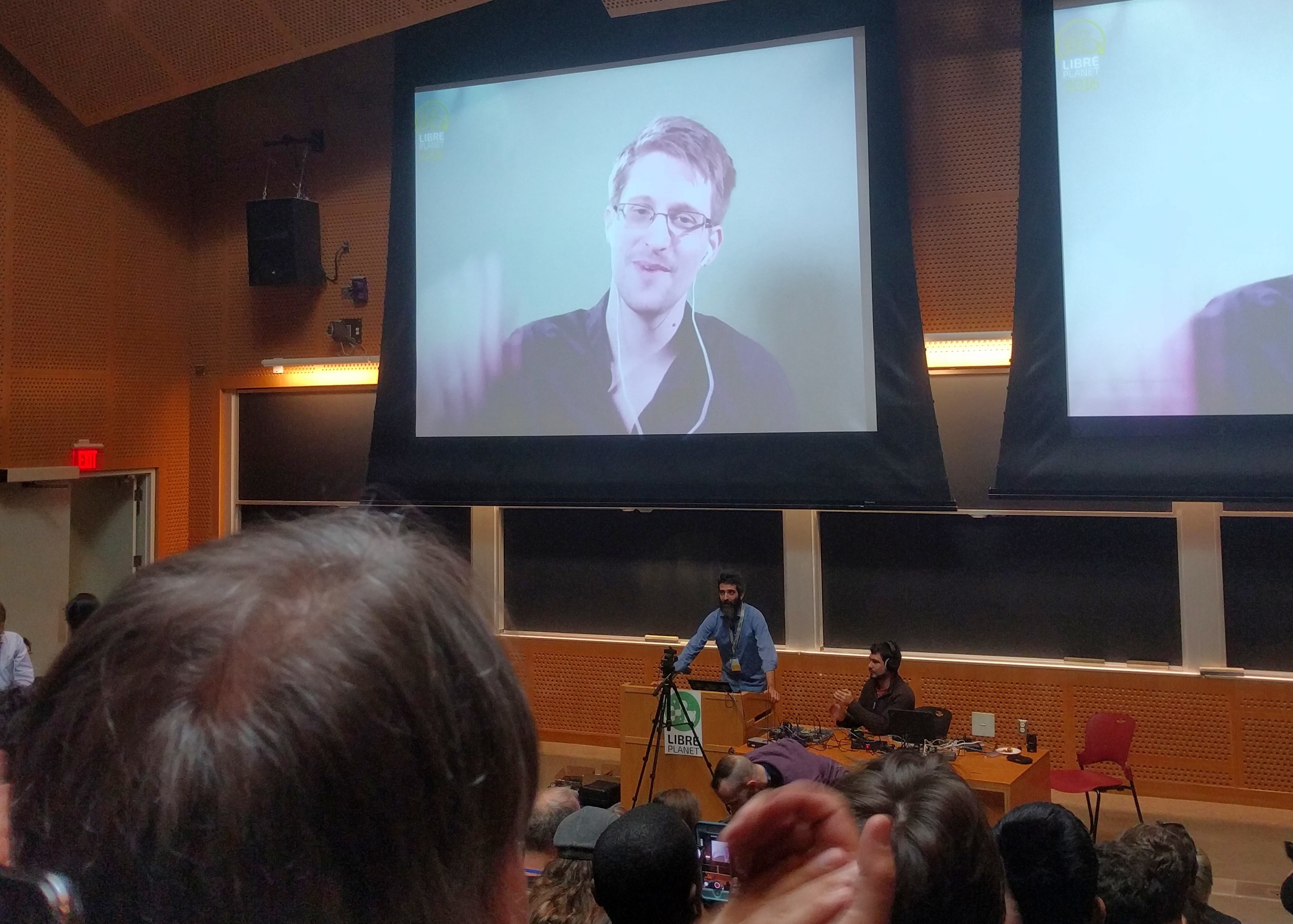
The various LibrePlanet session videos are making their way out to the LibrePlanet MediaGoblin instance, and I encourage you to check them out as they become available. It was a well-run, informationally-dense conference.
This year's event seemed to have a bit of an advocacy and social justice bent. I'm thinking in particular of LittleSis and of the Library Freedom Project. I'm also thinking of Luis Villa's talk, where he drove home how we can't just give people software licensed under the GPL and think that they automatically have their computing freedom - that we need to make that software compelling for users to actually want to use. I found this to be sympatico with some of the recent work and discussions around UserOps.
On the technical project side of things, Ring seems interesting, though in early stages of development. GNU Guix seems to at least be beta quality. GNOME is now available as a desktop in GNU Guix, so I may be checking it out soon.
DRM and the W3C
Something that wasn't part of the conference, but which immediately followed it, was a rally against inclusion of the Encrypted Media Extensions specification. The spec is currently under consideration by the W3C. If you want more info about the protest, Chris Webber gave a thorough recap of it, along with details of the post-protest roundtable discussion at the MIT Media Lab.
The interesting thing about the EME spec is that it doesn't describe DRM - it just seems to describe an intricately shaped hole in which the only thing that will fit is DRM.
Reflecting on Feedback
Published on 2015-02-23
While at last month's Cambridge Hackfest, members of the GNOME Documentation Project team talked with Cosimo Cecchi of Endless Mobile about the user help in their product. As it turns out, they are shipping a modified version of Yelp, the GNOME help browser, along with modified versions of our own Mallard-based user help.
Knowing that they were actually shipping our help, we wanted to get a closer look at what they were doing, and wanted to get some feedback as to how things were working for them.
- In terms of modifying the appearance of our help, their technical writers found it difficult to modify the CSS that we use. Cosimo noted that the CSS for our help is not stored in a single file, nor even a single directory -it's partly embedded in Yelp's XSLT.
While not always ideal, there are reasons for this. For example, if a person's visual impairment requires that they use GNOME's High Contrast GTK theme, Yelp will pick up the theme change and will use a corresponding color scheme when it renders the help for that user. Similarly, if a user sets their default system language to a Right-to-Left-based language (such as Arabic), Yelp will also pick up that change, and will display the help in the appropriate Right-to-Left manner automatically.
These are both useful features, but it is good to get feedback on this. Creating a custom documentation "look" is important for a downstream distributor, so there's room for us to improve here.
- The technical writing team at Endless Mobile customized the HTML output to feature broadly-grouped sections as html-buttons along the left-hand side of the help. I wish I had gotten a screenshot of this, because we were impressed with how they grouped and formatted the help. This may be an approach that we look to use in the future.
I talked with Cosimo about incorporating some of their updates into our help, and he was very receptive to it. While we'll mostly be focusing on content-related updates for our 3.16 release, we'll consider how we can improve our help based on their feedback in the future.
GNOME Docs in Cambridge: Day One
Published on 2015-01-26The Winter 2015 edition of GNOME docs hackfests is underway in Cambridge, UK, and the first day is in the books. We're making some good, initial progress. Thus far we've been able to update the status of Application Help on our wiki, triaged a lot of bug and docs-feedback reports, and have made some initial updates to platform developer documentation.
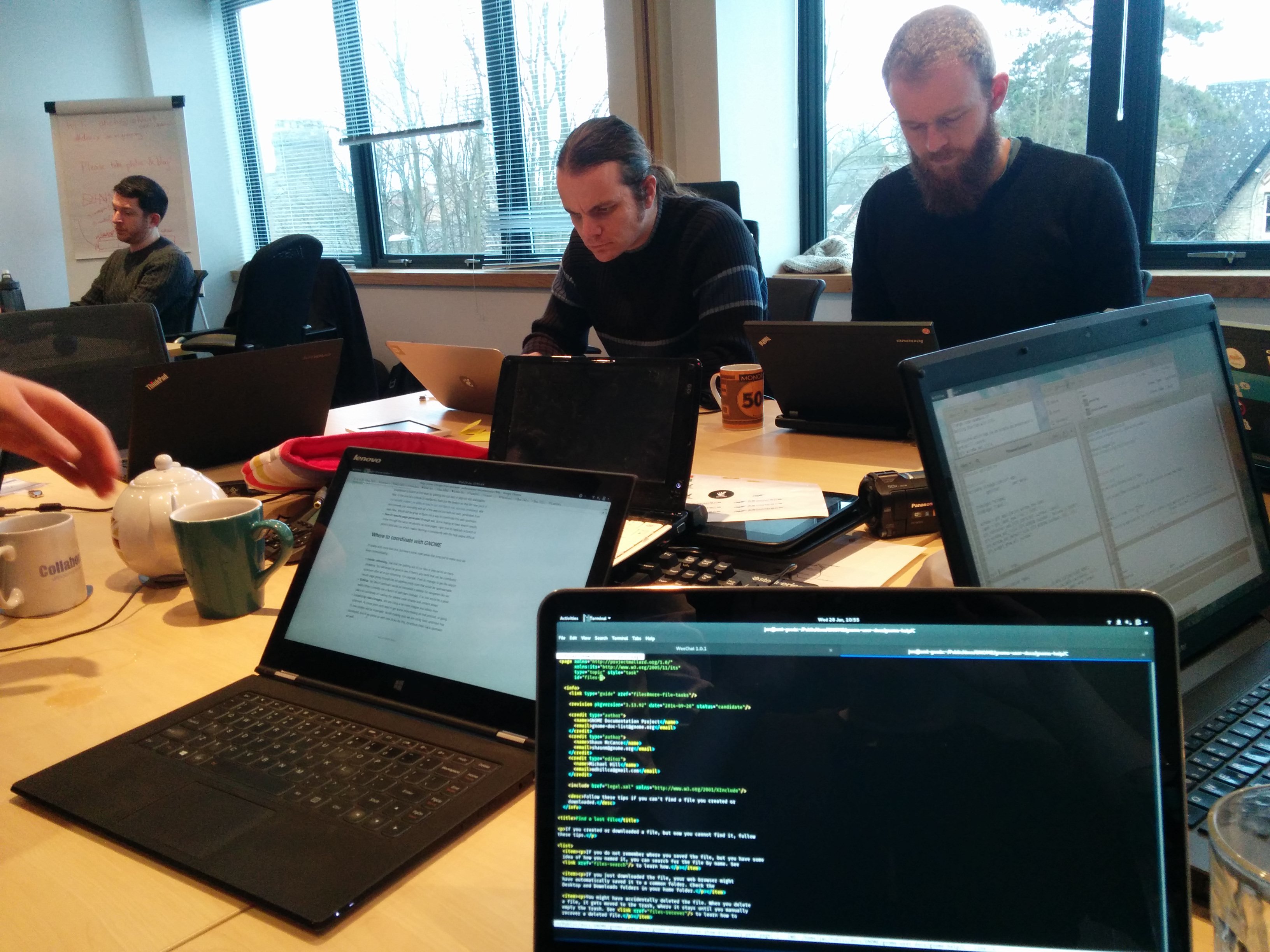
Application Help Status Review
One of the first things we've looked at is the status of application help. Ekaterina Gerasimova and I discussed and reviewed GNOME Application Help, reviewing the status of each application, and setting documentation priorities for the upcoming release and for future releases. We want to make sure that our core set of applications is consistently covered for each release, and setting the right priorities will help us in this effort.
Feedback and Bug Review, Plus Various Fixes
Jana Švárová responded to comments that we receive on the documentation feedback mailing list. The mailing list is actually the receiving end of mail that users send via the GNOME help website. If users spot a problem in our help, they're able to click on a link at the bottom of the page, and let us know of the issue they're experiencing via a simple email.
With regards to bugs, Petr Kovar did a great job of [triaging bugs](https://bugzilla.gnome.org/buglist.cgi?product=gnome-user-docs&resolution= ---) yesterday, triaging over 50 bugs in one day! This raises his status from that of a bug triager to that of a one-person Bug Medi-vac Unit. Good job, Petr!
GNOME Developer Documentation Updates
Bastian Ilsø's main focus for the hackfest is update of the GNOME Platform demos. This includes GTK code examples and small tutorials that help developers get oriented to GTK and GNOME development tools. Because he's coming into this from the perspective of a new GTK developer himself, he's able to identify areas that need to be fleshted-out and made more clear for others who may be knew to the platform, as well. He and David King are working through this quite a bit as we begin day two.
Hosting and Sponsorship Thanks
All of this is possible because we have a good venue and have been able to travel here to work together. Many thanks to Collabora for providing the working space for this event.
And, of course, additional thanks go out to the GNOME Foundation for sponsoring my travel to this hackfest. We are off to a steady, and productive start, and are making good use of our time here.
Beyond Clicking: Refactored User Help for Passwords and Keys
Published on 2014-11-22Documentation doesn't just explain what buttons to click or what keys to press. In some cases it provides reference information, or it explains a particular concept that underpins a certain task or series of tasks.
Explaining concepts is particularly important when those concepts are both complicated and important to performing a task. This is the case with concepts related to encryption. If people can understand complicated encryption concepts, they may be more likely to correctly use and maintain their encryption tools, making it more likely that they will keep their communication secure.
Updates to the Passwords and Keys Help
To make encryption concepts a bit more accessible (and thus help people correctly use encryption tools), I've re-factored the user help for the Passwords and Keys application. Passwords and Keys is the application that manages SSH and PGP/GPG keys in GNOME, and the updated help will be available in the GNOME 3.16 release.
The updated help follows the layout of user help in other GNOME applications, making it easier to scan the help and find relevant topics. I've also added a few new topics:
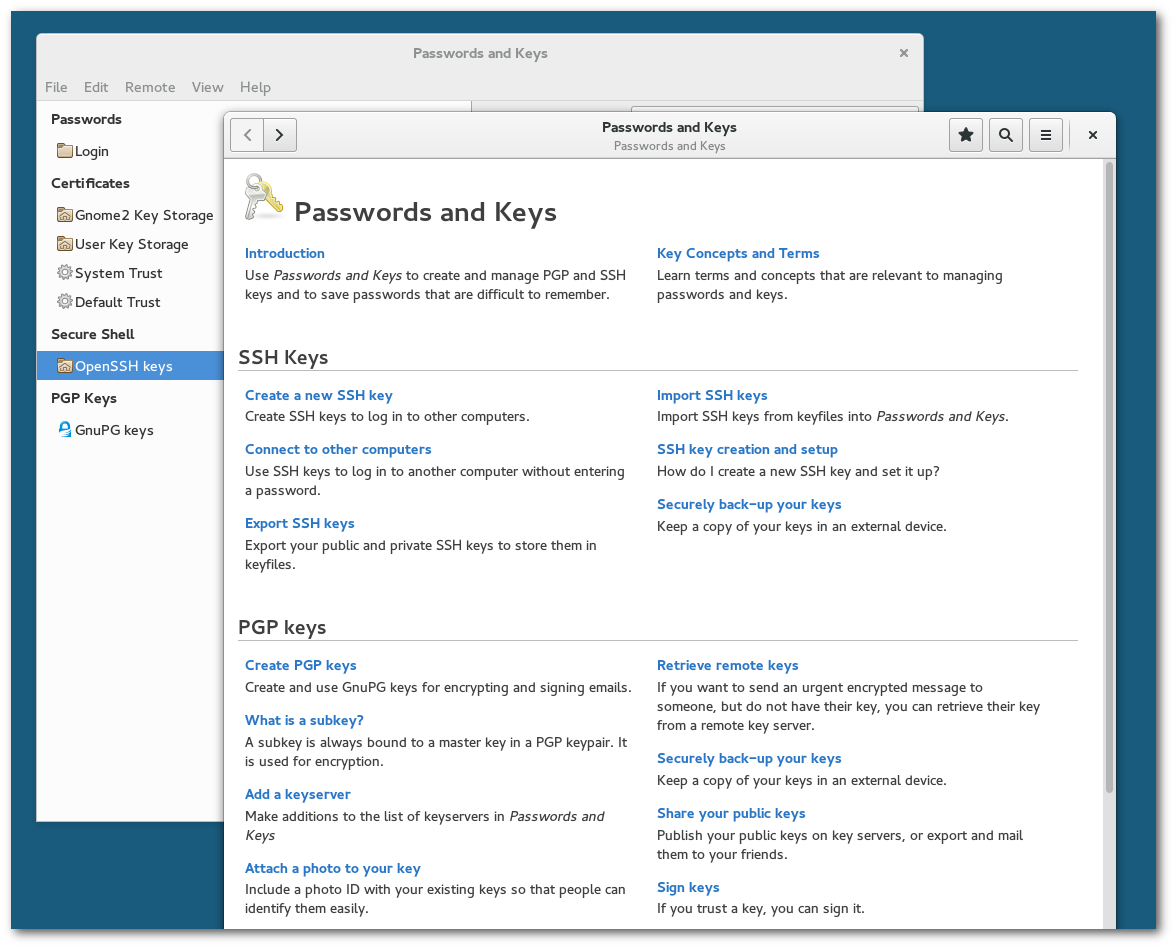
Some highlights include:
- A new, introductory section that groups together fundamental encryption terms and concepts.
- A new topic that explains the difference between Public and Private keys.
- Suggestions for securely backing-up your keys.
- Instructions on how and when to revoke your keys.
- Showing how to sign someone else's PGP/GPG key.
There's more to it, but that is a short list of some of the topics that stand out to me as useful. I think it's good that we'll have that help included on-disk (and also on the web) for anyone who needs it.
Credit Where Credit is Due
As for the content of this help, I give credit to Aruna Sankaranarayanan who wrote much of the user help for Passwords and Keys. I had written some if it, but she wrote a lot of it - it's thorough and well-written. Although I have added a few new topics, most of what I've done is to refactor the layout of the help to make it easier to search and navigate.
We'll likely have a some more updates before the 3.16 release, but if you have any tips or suggestions for how we can improve the help, feel free to be in touch.
I'm on California Time
Published on 2014-10-01I've recently had some time to work on docs for California, a new calendar application being developed by the Yorba team.
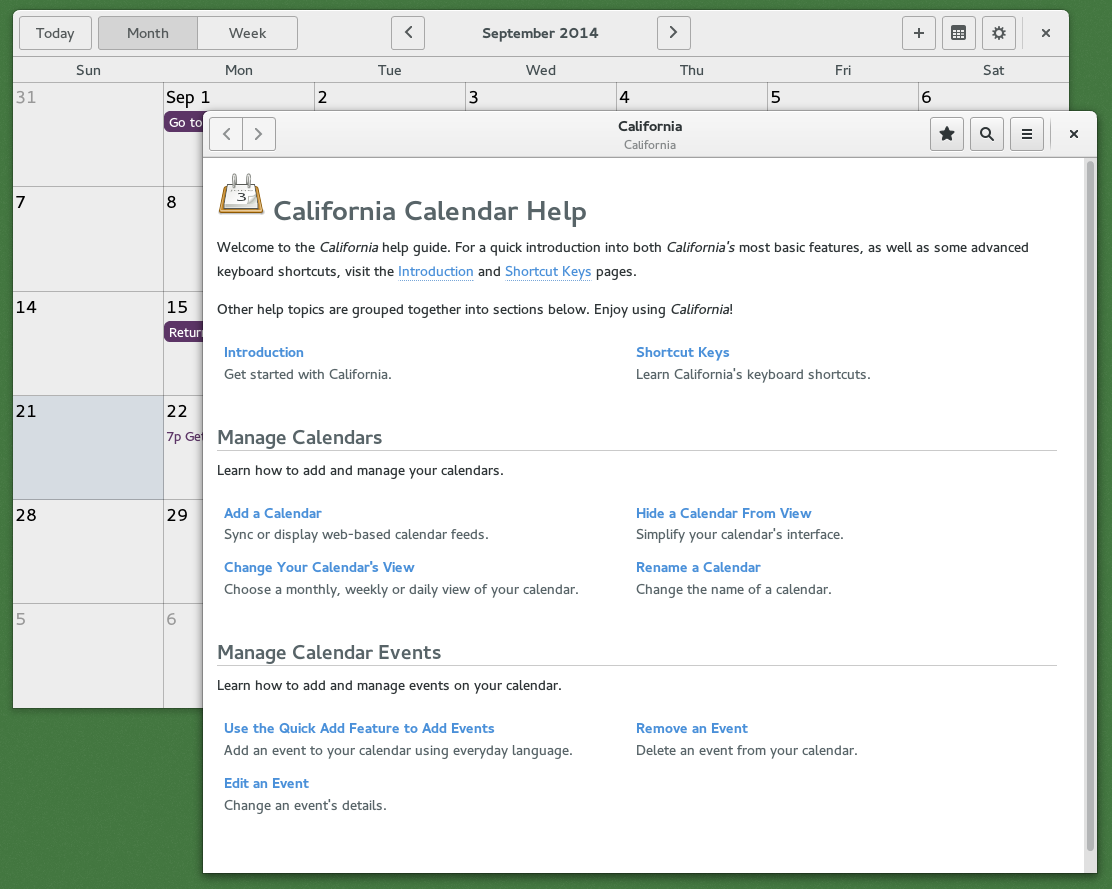
They've just released version 0.2 of California, so I thought I'd jot down a few notes about the the application and the docs.
California, the Calendar
This is only California's third development release, but it already takes care of the modern-day calendaring basics (for example, syncing with CalDAV and Google calendars). To me, though, the best feature of California is how it allows you to enter event details using everyday phrasing.
You can type out your events like this:
- Go to Economics class every Wednesday from 6:00pm to 9:00pm
- Meet James and Aaron for Dinner at 7:00pm @ Ombra
. . . and California will take care of adding the event(s) to your calendar.
The parsers are already reasonably complex, and they keep making them better. There are some event entry tips on the wiki, and I'll be adding more of this information to the help as a separate, detailed topic.
California, the Docs
As for the docs, here are a couple of notes:
- I noticed that Shaun McCance included some Schematron checks in the GNOME User Docs, so I'm including those same checks in the California docs. I'm only checking for proper use of <desc> tags and inclusion of a license file, but I can set up more checks in the future.
- I'm using the Mallard Expanders feature so that the user can choose help that is relevant to them and skip irrelevant information. I like how this approach makes the help easier to digest for readers, particularly for longer topics. Technical writer Tom Johnson talks about some of the pluses and minuses of using this feature towards the end of a [recent blog post](http://idratherbewriting.com/2014/09/22/using-collapsible-sections-to-brin g-tasks-and-concepts-together-dita/), too.
- There are a few areas where task instructions are similar across topics, so I'm using xincludes and xpointer to limit repetition of some common steps. This means a bit less work for translators, and less effort for us to maintain the docs in the future.
- Although it's not a big deal in the gradiose scheme of things, I'm now making an effort to follow the GNOME git commit guidelines. It's not difficult to follow them, and it makes all of our work a bit easier in the long run. I hope you'll review the guidelines and follow them, too.
There's still more to do with these help docs. I'll be adding more help topics as development progresses, but things are off to a good start.
GNOME CAKE 3.10 - Fully Baked, No Bugs
Published on 2013-10-15We had our October meeting of the ChicagoLUG this past Saturday, marking one full year of meeting together at least once a month. Go us! We celebrated the release of GNOME 3.10, had a talk, and had a good discussion about future plans for the LUG.
First, the cake. It was a special cake (Thanks, Meg!). Yeah, it was GNOME CAKE. GNOME CAKE 3.10, actually. For anyone who wants to create such a cake in the future, please note that using all caps actually makes it taste better.
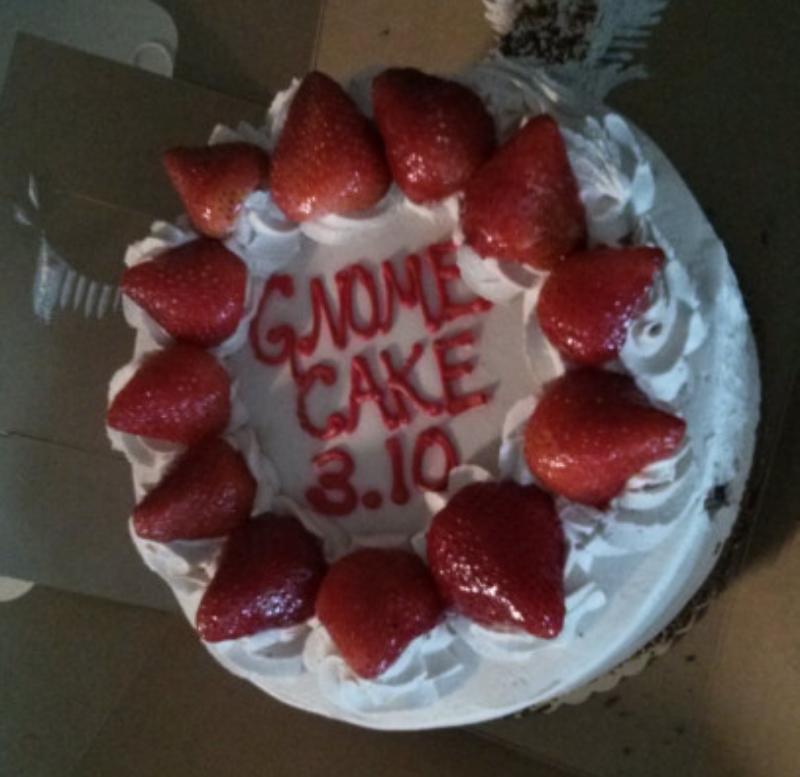
As we talked about the cake, some newer folks actually thought that GNOME had create a Cake PHP application. We cleared that up. And then we ate cake.
Freddy Martinez followed-up with a talk about encryption, giving us a good amount of detail on various ciphers, and configuring your mail application to send GPG-encrypted messages.
Most of our time was spent discussion future plans for the LUG, though. Due to a space conflict, we moved our meeting to the outdoor seating area of a pub down the street (nice!). The big news is that Rackspace has granted us some generous cloud server resources, and it's going to open up a lot of opportunity for LUG members to experiment with server hardware, develop some new skills and build some cool stuff.
Flourish Conference
Published on 2013-04-14This past weekend I was able to attend and speak at the Flourish open source conference hosted by the University of Illinois at Chicago. I say the event is hosted by UIC, but it's actually a student-run event. The organizers had to do a lot more leg-work than usual this year, but pulled it off well. Big, big kudos to the Flourish staff for yet another great event.
For those who would like to get a glimpse of what I talked about, my slides are available for download. As you may notice, I had a lot of fun with GNOME’s depiction of cats, particularly when creating the slide that references how the GNOME team has iterated on the initial GNOME 3.0 design:
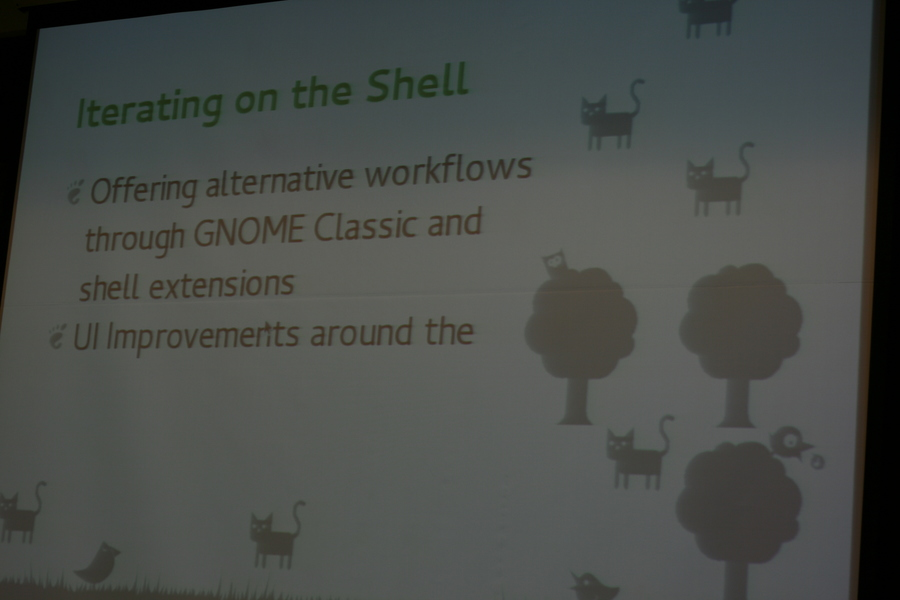
I think GNOME 3.8 is a great release, and the gist of the talk was that, if you didn't like GNOME 3.0 (perhaps too many rough edges and stray cats), that GNOME 3.8 might make you want to take another look.
I wasn't in the audience, so I can't say for sure, but I perhaps reached my intended goal with at least one person in attendance.
GNUS of GNOME in Chicago, March Edition
Published on 2013-03-25This past Saturday we held our monthly ChicagoLUG / GNOME hackfest event at Pumping Station: One. It turned out to be pretty informative and productive. Evil Joel Luellwitz gave a solid talk on Linux security, explaining quite a bit about how /etc/passwd and /etc/shadow work. He included details about various hashes and logic / programming decisions that are incorporated into these core utilities to help keep the elite hackers out of our computers.
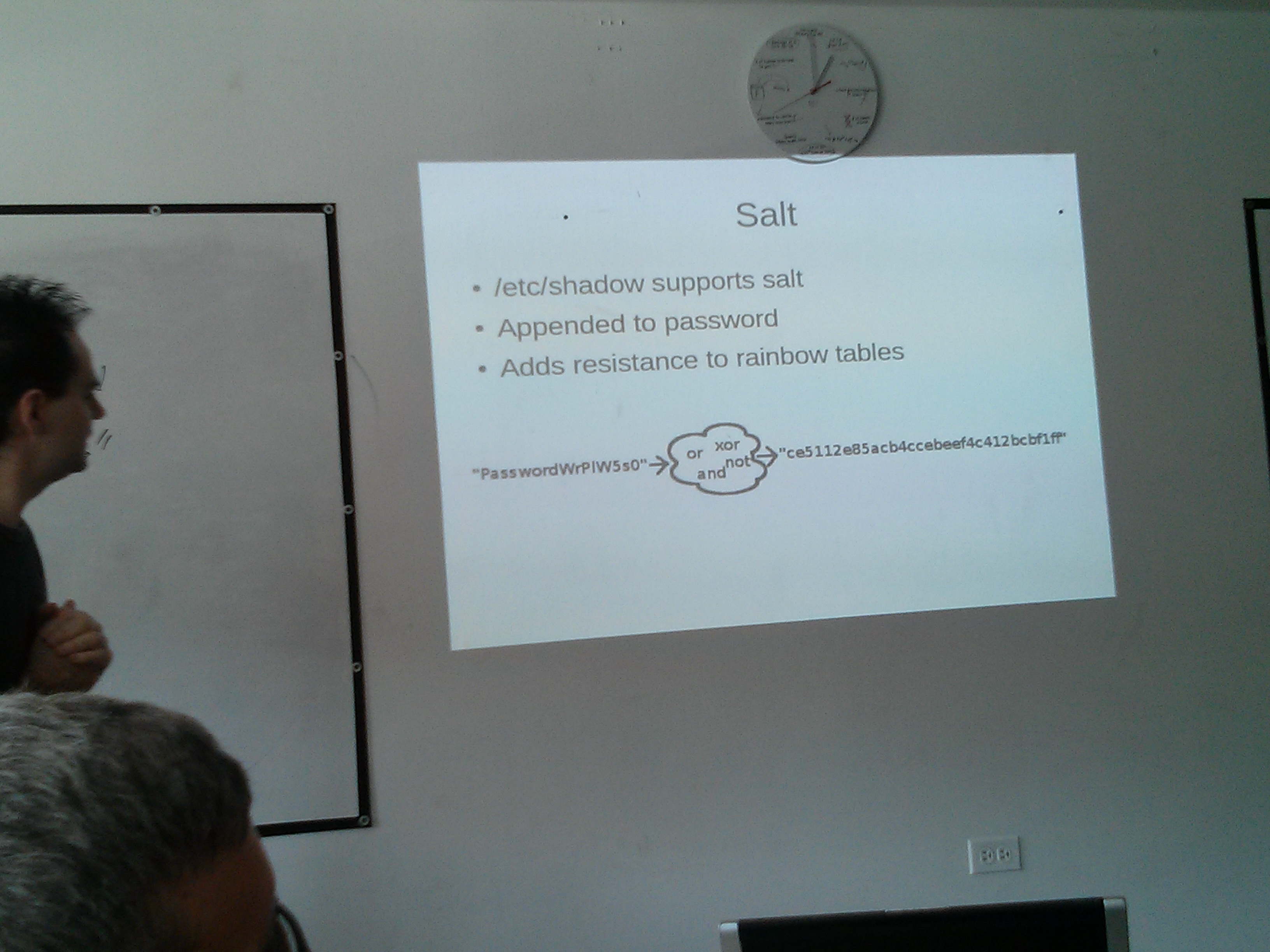
He also explained a bit about choosing good passwords, highlighting how easy it is to crack simple passwords. I think most of us know how easily simple passwords can be broken. To think about how easy it is is still kind of humbling, though.
We had some new faces at the event, including one young woman who is just a freshman in high school, and who made the trip up from the far south side of Chicago. She had heard about Linux, and a page on Linux.com encouraged her to find a local user group. She made the trip up to our event by herself, and Joel even had to talk to her mom on the phone to explain a bit about the group and reassure her that we are legit.
Joel took the time during our hackfest portion to get a $DISTRO set up on her computer. She seemed to pick up on things pretty quickly, and she’s going to be giving Linux a shot! Not even dual booting – just going cold turkey. We all wished that we’d had the intuition and nerve to seek out such groups at her age.
The hackfest portion went well. Meg worked on adding CSS classes to UI elements of a GJS application that she’s been working on. Adding those classes will allow her to apply theming elements to the UI using regular CSS, and by the end of the day she was able to display her app with both light and dark GTK themes. Good stuff.
Andrew Spalding got to working on the new GJS-based GNOME-Music application, and I think he was able to get it to build by the end of the session. I reviewed about 20 of Sindhu’s gedit documentation patches, and merged them into master by the close of the day. Sindhu has been doing some solid work, and has moved on to the Rhythmbox documentation.
Most people headed home at around 5pm, but a few of us stuck around a while longer, and got sucked into unloading an electron microscope that had been donated to the hackerspace. Pretty sweet! Also pretty heavy.
We won’t be having a hackfest in April, as we have both Flourish and Penguicon coming up next month. We hope to set up a booth at Flourish, though. And I’m going try and get some ChicagoLUG stickers for the event.
Many thanks to the GNOME Foundation for sponsoring food for this hackfest. : )
See you around. : )
GNOME Docs Hackfest - Day One - Complete
Published on 2013-02-23It was a long day of travel to get to the GNOME docs hackfest in Brno, but I arrived safely on Friday. Knowing that they would be concerned, I sent my family a picture to let them know that I was ok, and that I had indeed made it to the Czech Republic.
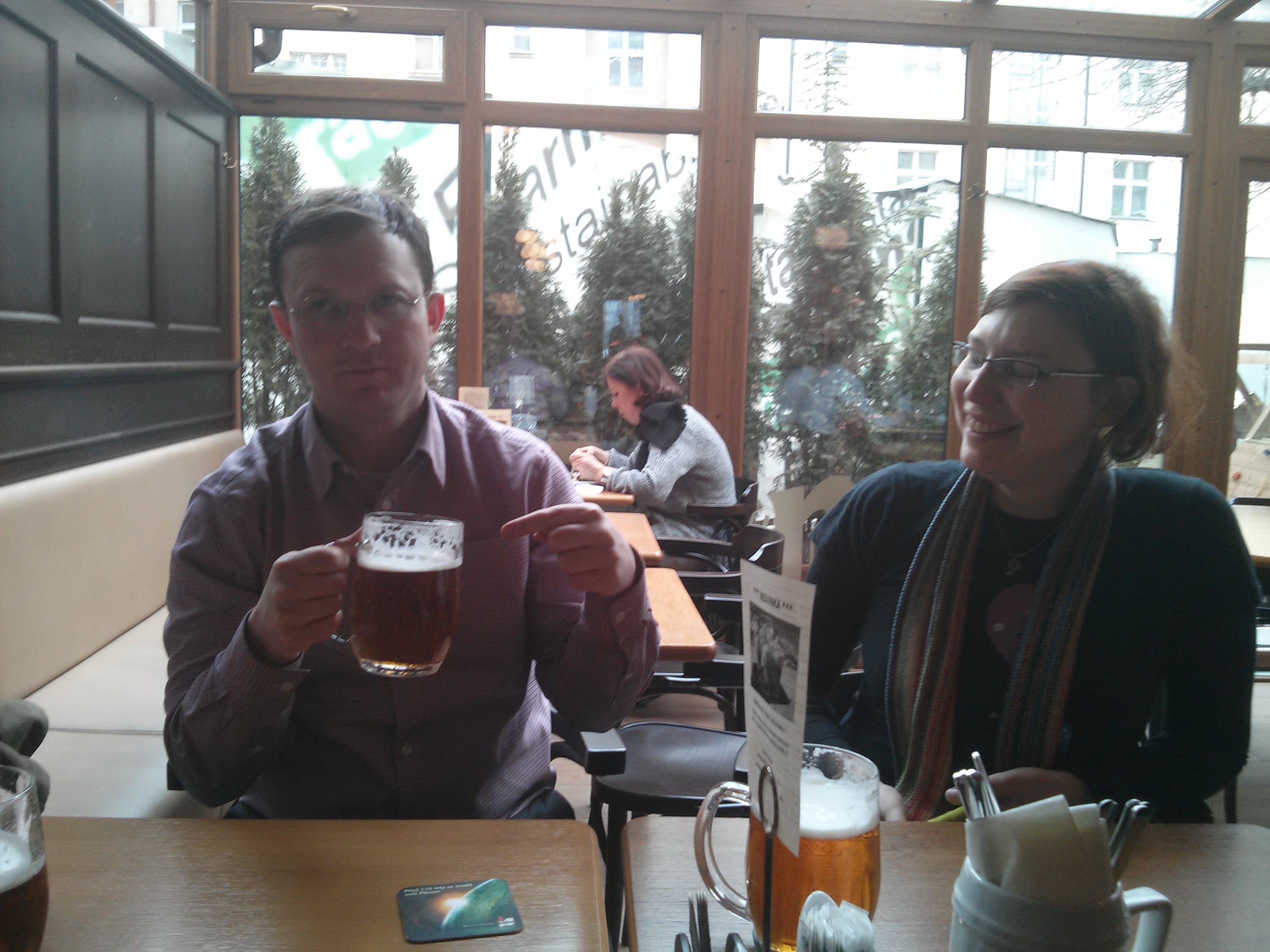
This picture was taken in Prague, where we met up with Andre Klapper for lunch. Andre and Florian Nadge gave us a brief tour of Prague on foot, but we still had an almost three hour bus ride to Brno. It was a long day.
After a restful night of sleep, we woke up, got started, and day one of our hackfest is now in the books. Overall it was a very productive day, and I feel like we're off to a very good start.
We started at about 9:30am, laying out goals and plans for the hackfest. Here are some of the goals that we laid out:
- Revised GNOME help for version 3.8
- gedit updates that reflect the switch to gmenu (almost complete now)
- Merge updated gedit snippets for Mallard. The new snippets incorporate the syntax of the entire Mallard 1.0 draft specification (many thanks to Jaromír Hradílek for his work on this)
- Assist Sindhu with gnome-terminal documentation
- Passwords and Keys documentation
- Updates to the GNOME Help landing page. These updates will be necessary to have a smooth transition between the Getting Started videos and the docs.
We also discussed one process improvement. We're going to stop using gitorious.org for draft documentation and just start using branches in the appropriate projects on git.gnome.org instead. Using a branch on git.gnome.org will simplify things for new contributors who ask what there is to work on (the new contributor would only need to learn how to use git.gnome.org, and not also learn gitorious), it will simplify the merging process once docs are ready for merging, and it will also help teach new contributors about managing and merging branches with git.
It should make for a productive event!
Chicagoans and GNOME, Part 3
Published on 2012-12-28Here is my first-hand report of our third consecutive monthly GNOME hackfest, held on Saturday, the 15th. We had our regular User Group meeting where I presented some of the inner workings of our Flask-based website, and made a note to follow-up with speakers who said that they would speak at events (it is polite to either show up, or say, "Hey, I can't make it - I'm sorry!" right?), but then we got to working on GNOME.
We had a pretty good turn-out, with seven people there as part of the hackfest, and one person even showed up to say, "Oh, you are working on GNOME! I don't like GNOME 3, let me troll you." They initially starting out trolling, but then we got to talking about the new Legacy session in GNOME 3.8 - and they are interested! Face-to-face interaction win.
Aside from the initial need to deploy anti-troll measures, it was a successful event. I worked on Rhythmbox docs, and made six or seven commits to my gitorious repo, someone else was working on GObject code. He eventually got the Go-GTK bindings to compile, but had to pull in the entire Go source tree to do so. He filed a bug. Meg Ford worked on GNOME Documents, focusing on changing and adding permissions on Google Docs from within the GNOME Documents application. Someone else (Matt?) explored Lisp-GTK bindings.
As I mentioned, this was our third monthly hackfest, but our fourth one is scheduled forJanuary 19th. We're slowly building up a community here, so I think we just have to be patient, stay focused and give it time. Meg will be speaking on some core GNOME libraries during the next event - this should be a good talk, and I think the group will be able to do more collaborative projects once we get a better idea of everyone's interests and strengths.
Many thanks to the GNOME Foundation for sponsorship of food for the event.
ChicagoLUG hacking on GNOME
Published on 2012-11-18The Chicago GNU/Linux User Group had a GNIGHTS and GNYMPHS of GNOME* meetup and hackfest yesterday. This was the second such event, and I'd say it went pretty well. I gave a talk on dconf - how it is similar to and different from gconf, how you can use dconf-editor to manage and reset system settings, and how you can use the command-line tools to list keys, read the values of keys, write changes to key values . . . We also had a look at setting default system configurations with profiles and locks. All in all, it was a bunch of dconf goodness.
Dee Newcum followed-up with a lightning talk on an application that she's getting ready to release, termdetect. It's a utility that detects the type of terminal to which you are connected. From her gitub page on the project, it communicates, "directly with the terminal via escape codes, it doesn't use any other information, so it's much more reliable than $TERM." For those who know how different terminals can affect your session, this is some pretty cool stuff.
Aeva Ntsc (who recently implemented 3d printer support on MediaGoblin) wrapped up the talks with an overview of Vala. She really likes working with Vala, and her overview was very comprehensive.
On top of that, it was also nice to see some new folk. Brandi, Chris, and John showed up after hearing about the event on the website.
We rounded out the day with an afternoon of hacking. I made initial attempts at creating a quickstart for Mediagoblin on OpenShift, and reviewed sysadmin guide docs. Meg Ford continued her work on GNOME Documents, and Chris Webber worked on a MediaGoblin plugin for Shotwell.
Many thanks to Pumping Station: One for being our host venue (Though I am a member there, but I still feel like I'm getting use of this great space for free), and to the GNOME Foundation for providing money for food.
We're planning to have these monthly, with the next one likely on Saturday the 15th of December (though we may take a break for the holiday . . . we'll see). If there are topics you'd like to present, or something you'd like to learn about, feel free to share via our mailing list.
*It's a long story . . . we used to have "Programming Tonight," events in the city, and I thought up the idea of having Nights of GNOME, which became GNIGHTS of GNOME, but some people thought it referred to a male GKNIGHT of GNOME, and we aren't just a bunch of guys, so . . . we may be deciding on a GNEW GNAME for this event.
Expanding tables and other elements in Mallard
Published on 2012-02-20I'm at the GNOME documentation hackfest in Brno, Czech Republic, and we've been updating help for GNOME platform and applications in advance of GNOME 3.4.
As part of the event, we've been reviewing our use of the Mallard syntax, making sure that we're getting the most out of some of the new features. One newer feature in Mallard allows users to expand or hide portions of the help as needed. This helps users can more easily scan through possible topics, and to open the ones that are relevant to them. It also has the added benefit of saving space on the screen. This feature is in an experimental namespace for now, but we're please enough with the results, and it is likely to be moved into the primary schema shortly. It will be in limited use in our help releases for the 3.4 cycle.
Here's a brief example of what this looks like in action (note: you might need to view the page directly rather than through a feed aggregator if you want to see the video):
Also, here's a portion of the code that makes it work. All that's required is a the "ui:expanded" attribute on the appropriate element. It accepts values of "yes" and "no."
It's possible to use this attribute on any element that contains a title, so you have the ability to use it on tables (as I've done here), lists, steps, or even entire sections. Thus far we've only used them on tables, and the style rules have yet to be ironed out.
The hackfest has been good thus far, but we still have much to do over the next couple of days. I am focusing on some updates to GNOME user docs, as well as writing new docs for Seahorse Encryption Manager, Rhythmbox, and am doing some GNOME docs team wiki work. Florian Nadge and Petr Kovar of Red Hat have been more than gracious as hosts, and the food on Brno is plenty meaty. Plus, there is cheap beer.
Of course the food and drink is even less expensive when Shaun McCance of Syllogist.net sponsors a dinner for us (thanks, Shaun!). Many thanks, as well, go to the GNOME Foundation for their sponsorship of our travel and accommodations.
Documentation and gedit snippets
Published on 2012-02-09As I mentioned in a recent post, gedit snippets can help you write code more quickly, and with fewer errors, than writing all of your code manually. Snippets work by expanding small chunks of text into complete combinations of code boilerplate and variable/attribute placeholders. Using these pre-configured combinations of boilerplate and placeholders frees you to focus on the bits of code and text that are materially relevant to your work at hand.
You can enable the gedit snippets plugin by selecting Edit > Preferences > Plugins > Snippets.
There are four components to using snippets: confirming the language or syntax setting, entering the snippet ID, activating the snippet, and completing the snippet by entering the appropriate attributes or variables into the placeholder text areas.
The first thing is to make sure that the file type is set to correspond with the type of file you're working on. If you're starting from an existing file, gedit will attempt to set the file type for you automatically. If you're starting a brand new file, or if gedit hasn't correctly identified the file type, you can also manually set or change the file type.
Once you have that in place, the most difficult part is actually remembering the snippets that are available. You can view, edit, and create snipppets using the Manage Snippets window (see Tools > Manage Snippets). Once you know the relevant snippet IDs, all you need to do is type a snippet ID, and press the tab key. The tab key is what activates the snippet.
After you press the tab key, gedit converts that brief snippet of text into a combination of boilerplate text and appropriate variable or attribute placeholders. Pressing the tab key again will move the cursor to the next placeholder area.
Here's an example. I'm starting from a blank page, and am writing a new Mallard XML file. The snippet ID to start a new Mallard page file is just the word, "page."
Simple enough! Just enter the snippet ID, press the tab key, watch as gedit inserts the boilerplate text, and then use the tab key to maneuver through the placeholder areas.
There are currently snippets for numerous languages and syntaxes, but coverage of each language varies, and some snippets may not include the most recent language features. Give gedit snippets a try. If you don't see a snippet feature that you'd like to use, file a bug in the gedit bug tracker.
Configure gedit for documentation
Published on 2012-02-02I've been maintaining the gedit documentation since the run-up to the gedit 3.0 release, and doing so has helped me to get to know some of the ins-and-outs of the program. What can I say, it's one of the perks of writing documentation - you get to know the software that you're documenting.
With that, though, I thought I'd pass along some of the basic configurations that help me to write documentation more quickly, and in a more consistently-formatted way.
Here's a quick run-down of some settings that you may find helpful:
View Preferences - Edit > Preferences > View:
- Check the following items: - Display line numbers (this helps with locating validation errors) - Display right margin at column (80 characters) (breaking lines at 80 characters makes diffs look prettier) - Highlight the current line - Highlight matching brackets (optional: I don't use this feature, but some people prefer it)
- Uncheck: - Enable text wrapping (not needed if you're breaking lines at 80 characters)
- Tab Width: 2
- Check - Insert spaces instead of tabs - Enable automatic indentation
- Uncheck - Create a backup copy of files before saving (not needed if you're using revision control, like git or bzr)
One other neat feature that I often use with gedit is the keyboard shortcut for moving a line up or down within the text. If you position your mouse cursor on any point in a line, and then press Alt + Up Arrow, it will move the entirety of that line up within the text. Pressing Alt + Down Arrow will move that line down within the text. Simple enough! (The complete list of gedit shortcut keys is available in the user help, by the way. Just open up gedit and press F1.)
Do you have any suggestions or tips for using gedit to write documentation? If so, I'd appreciate you sharing them with me in the comments.
Meeting users where they are
Published on 2011-06-13With both a two-day conference and a three-day sprint, the Open Help Conference made for a busy week, but I must say that it was a success. We had people there from Gnome, Mozilla, OpenStack, Red Hat, BSD, as well as people who were interested in learning about open-source help. Everyone had something to share.
Some of our discussions may bubble-up as other blog posts, but a couple of the presentations and discussions made me think more about engaging users where they are. They made me think of how we can do more to extended help to people who use our software in the places that they go, rather than just requiring them to seek-out help from our help platform.
Twitter as a support tool
For example, one topic that we discussed was using Twitter as a support platform. Jennifer Zickerman demonstrated Mozilla's Twitter-based "Army of Awesome" as a facilitator for user-to-user support. It's pretty cool that Mozilla opens up their support channels in this way -- users help other users directly, and you only need a Twitter account to help out. Although you can't always solve a problem in 140 characters, it's easy to point someone to a support article or to suggest other help resources. In a less formal way, I've also seen members of the Mozilla documentation team use Twitter to request a technical review of new help articles, or to remind people about documentation-related events (e.g., reminders for Mozilla's Wiki Wednesday events).
Stack Exchange sites: Likes and dislikes
Another approach that we talked about were the various Stack Exchange sites. In talking about this, we liked how good answers rise to the top (as opposed to regular user forums where you may need to scroll through rows of posts to find a solution to a problem) and the gamefulness of the sites. We also liked that user questions and responses are available for download in XML format under a CC-by-SA license (albeit with fairly stringent attribution requirements). In particular, the XML downloads of user questions will allow documentation contributors to see what questions users are really asking, and what questions are occur frequently.
This being an open help conference, some of us did note that the back-end for any Stack Exchange site is proprietary, and discussed the network-effect of how using closed-source tools encourages more people to use to closed-source tools. Yes, Stack Exchange sites are "free-as-in-beer" to the people who use them, but we discussed both OSQA (GPL-licensed) and Shapado (AGPLv3-licensed) as open-source alternatives that would be worth considering for similar help-site deployments. Someone also mentioned that Reddit (which isn't necessarily a help platform, but is open-source software) is a popular area where people can post questions or comments that are related specifically to Gnome or Ubuntu.
Using blogs and planets to recruit writers
Aside from Twitter-based tools and Stack Exchange sites, some other ways of seeking out users are less centralized. Two items I took away from Anne Gentle's talk were that she is not shy about asking bloggers to repurpose their blog posts for use in the official documentation, and she also recruits people who post to the OpenStack Planet to help write documentation. These approaches seem especially helpful when writing documentation for very technical and complex projects. In some areas, the help author may not have the deep domain expertise needed to write docs for bleeding-edge software.
Other possibilities, and the remaining need for good docs
One project that I'm curious to know more about is the Mozilla Sumo project. I wish that members of their team had been able to join us. Sumo seems like a well-rounded platform for gathering user contributions to official documentation, while still allowing for editorial review and for document translations.
Even with all of this in mind, though, I still see strong, centralized documentation as very important. After all, it can save a lot of time if a user can find good docs in one central spot, and even Google isn't helpful if no one has documented a well-researched solution to a problem. These discussions reminded me that it's also important to interact with users where they are, though. If you have ideas for other ways to interact with users where they are, or know of something that has worked well for you, feel free to share any suggestions in the comments.
My UDS in photos
Published on 2011-05-17Here's a few pictures from UDS:
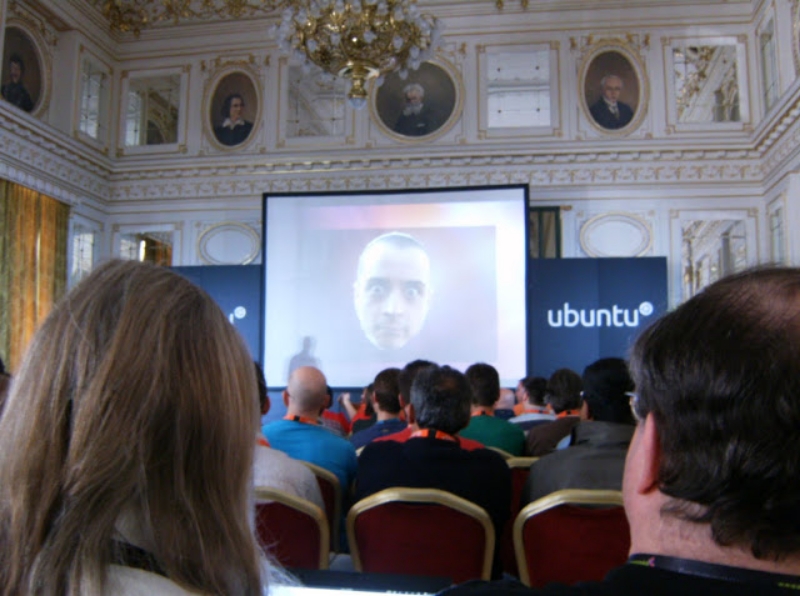
Saying goodbye to Matt Zimmerman at the UDS opening keynote. It took me until Friday to thank Matt for his advocacy around women's issues, as well as LGBT and gender issues. There aren't many people in positions such as his who do so, so many thanks, Matt. Best of luck to you.
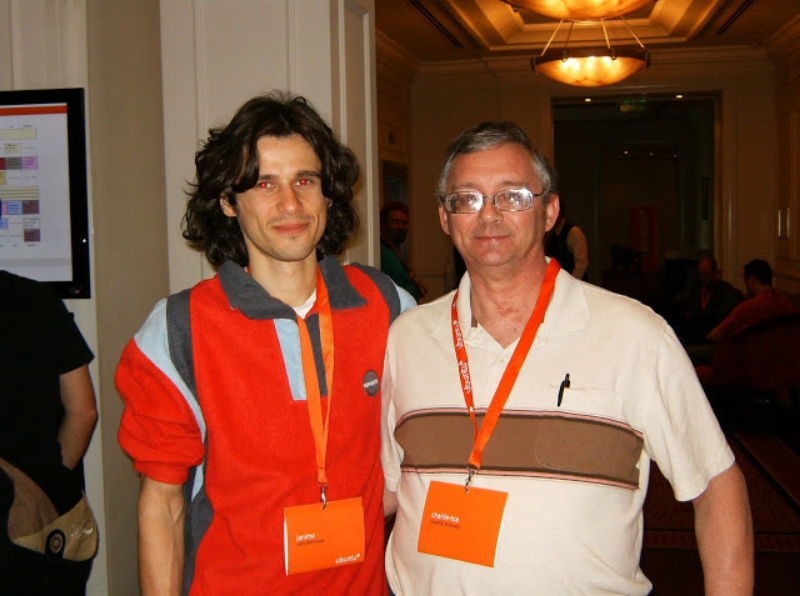
Jani Monoses and and Charlie Kravetz, the past and present leaders of the Xubuntu project. (Missing in this photo is Cody Somerville, who headed up Xubuntu in between the two pictured here. Also missing is Lionel Le Folgoc, who was surely off packaging software somewhere in France.
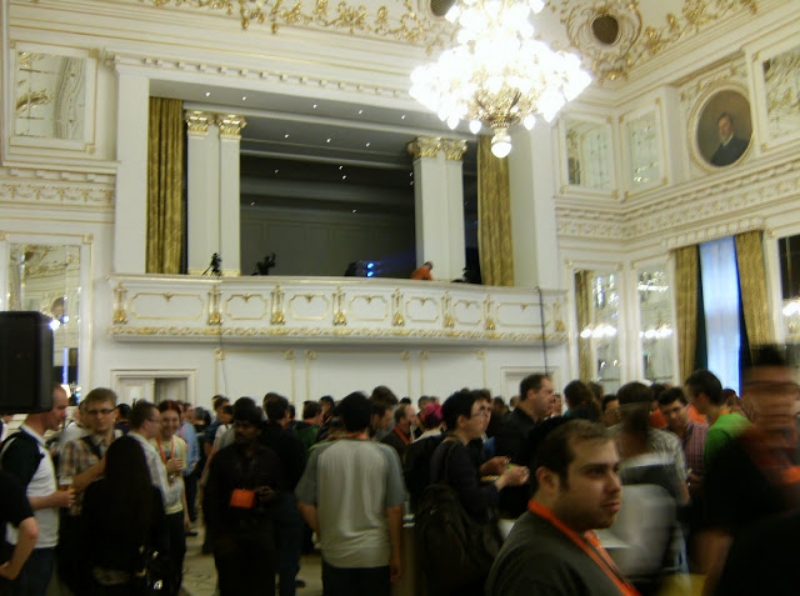
The hotel's grand ballroom, with the one and only Micah Gersten (micahg) in the foreground. He makes us all feel more secure when he's around.

The bridge on the Danube at night. We had a lot of fun walking around and taking pictures that night.
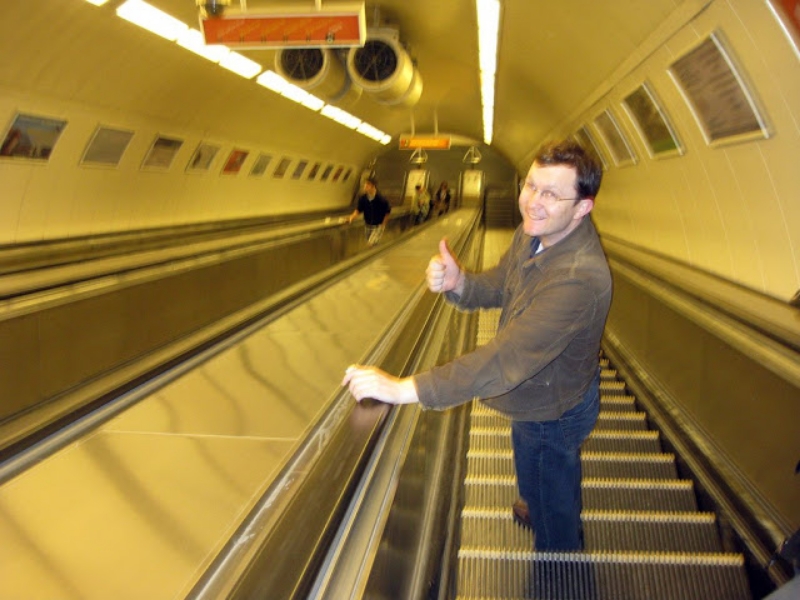
Me giving a thumbs-up to the trip while going down one of the super-escalators to the train platform. (Credit to Lyz Krumbach for this photo - CC by SA 3.0).
Many thanks to Canonical for sponsoring my airfare and accommodations on this trip.
Ubuntu documentation at UDS: A summary
Published on 2011-05-17Now that my week at the Ubuntu Developer Summit is over, and I have completed my safe flight back, I thought I would write up a blog post about my experience while I complete my recovery from jet lag.
My week at UDS was a challenging week. A great week. A week in which I had great discussions around docs, met lots of cool people, and wound up expanding the limits of what are normally considered acceptable sleep patterns.
I had three docs-team sessions during the week. I also attended two sessions about cloud-related documentation, and another session on server documentation. The three docs-team sessions focused on the team strategy, our goals for the 11.10 release cycle, and evaluating a web-based documentation platform.
Team Strategy
The inspiration for the team strategy discussion is the Xubuntu Strategy Document. Have you read it? When Cody Somerville first wrote it, part of me was like, "Are you serious? Did you write this yourself?" It seemed too complicated. In practice, though, I've seen the Xubuntu team reference that document while making decisions time and time again. I think a similar document would benefit the docs team, too. I'm preparing a draft document based off of recent team discussions, and will be sharing it in the next week.
Team Goals for the 11.10 Release
The team goals session was pretty great. People in the room, and people listening in via the audio casts, gave helpful input. There was more focus on the Ubuntu wiki at UDS than I anticipated. Some of our goals for this cycle include creating a strategy document, contributing to upstream docs projects, refactoring our team wiki, testing of documentation accessibility, testing a preferred help layout, doing stable release updates for docs and translations, squashing boogs, adopting a consistent coding style, updating our style guide (or picking an existing one), and doing some of the initial work in revamping help.ubuntu.com.
It sounds like a lot, and it is, but some of it is already a work in progress. We will make these goals explicit during our next team meeting.
Web-based Documentation Platform
The group behind this project is Pronovix, a Drupal consultancy. I knew that their project was using Drupal and DITA, but I wasn't sure what *their project did*. They had some of their staff based in Hungary, just a short trip away from Budapest, so I thought it was worth getting in touch to learn more about their approach and how it might benefit us.
DITA stands for the Darwin Information Typing Architecture, an XML syntax developed by IBM that specializes in content profiling and content reuse. The advantage of content reuse with a tool like DITA is that it allows you to write something once, write it well, and reuse it most everywhere. That is the idea, at least. Implementation of DITA can be difficult. Their project has promise, but the toolchain isn't currently packaged by any distro other than OpenSUSE. Harald Sitter (Mr. Apache Log File) felt that this very much limits the likelihood of upstream adoption.
Even with that in mind, we are going to seriously evaluate their platform. It was very considerate of this group to make a trip to demonstrate their project, and we want to be supportive of everyone who is working in open source documentation.
There are quite a few irons in our fire, and we'll have to get word out about our activities somehow. Our progress will likely be presented via a new Ubuntu Documentation Team blog. We think now is a good time to start one up, so look for more info on that soon, as well.
Help for Ubuntu 11.04 - We are working on it
Published on 2011-04-12Trying to write documentation for both Gnome 3 and Ubuntu 11.04 had many of the documentation contributors a bit strapped for time, but we are making progress on user help for 11.04.
Here is a quick peek at what we are doing:
This is all done with Mallard and Yelp.
KDE, you can have this, too. Talk with Shaun McCance. Shaun has revamped the back-end of yelp so that it wouldn’t be crazily difficult to put a Qt front-end on it.
Just imagine it … You could call it “kelp.”
As for the docs, there is still much more to be done. Join us on #ubuntu-doc on IRC, or join the Ubuntu Documentation team mailing list to see how you can help out.
Gnome 3 documentation hackfest
Published on 2011-03-19Although I've primarily worked on Xubuntu documentation in the past, this cycle has seen me contribute quite a bit to gedit documentation. Unfortunately, I've asked, and the gedit team isn't going to be making an additional release for the 2.3x branch, so these updates won't be included in Ubuntu 11.04.
For now, though, I'm at the Gnome 3 documentation hackfest with Phil Bull, Shaun McCance, Johannes Schmid, Tiffany Antopolski, Natalia Ruz, and Germán Póo-Caamaño. Scott Nesbitt of DMN Communications and Words on a Page fame plans to stop by over the weekend, and Allison Lortie has been playing the part of gracious local host, doing airport pick-ups and coordinating our hotel stay / work locations. (Thanks, Allison!)
So, what are we doing here? The primary focus for Shaun, Phil, Tiffany, Natalia, and myself is to re-work the Gnome User Guide for Gnome 3. We are using the Mallard syntax to write more topic-focused help, addressing specific needs of users rather than providing help in a long-form manual format. We're currently on day three of the hackfest, but we have three and a half more days to go. We will need every day--there is still much to cover.
An additional focus of the hackfest is to write Gnome platform and developer documentation. This is primarily the focus of Johannes and Germán, but Shaun will be helping with this as well. Thus far, Johannes has been working on implementing Gnome-related programming tutorials in several different languages. Some of his tutorials feature sounds, and we hear bleeps and bloops coming from his laptop every now and then . . . he's making some pretty good progress.
Some of you may recognize Phil Bull's name, as he is on the Ubuntu doc team, too. That means two Ubuntu users contributing to upstream Gnome documentation. Phil is even writing parts of the shell documentation from within Unity. (Ok, he looks over at my laptop which is running Gnome 3). But still . . . Group hug, Ubuntu / Gnome. Group hug.
Finally, I know the rule of "pics or it didn't happen, so here are a couple of images to tide you over for now.
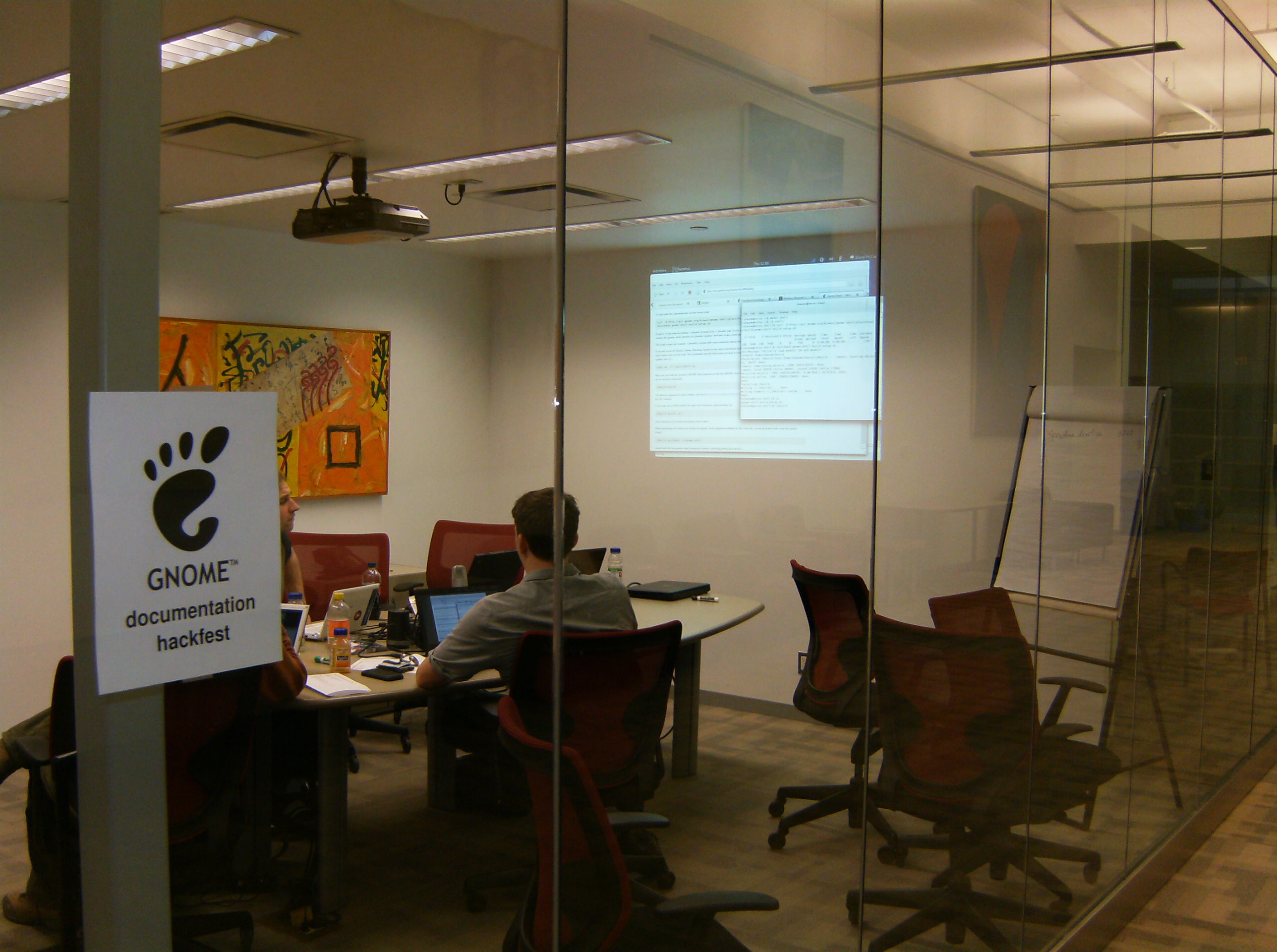
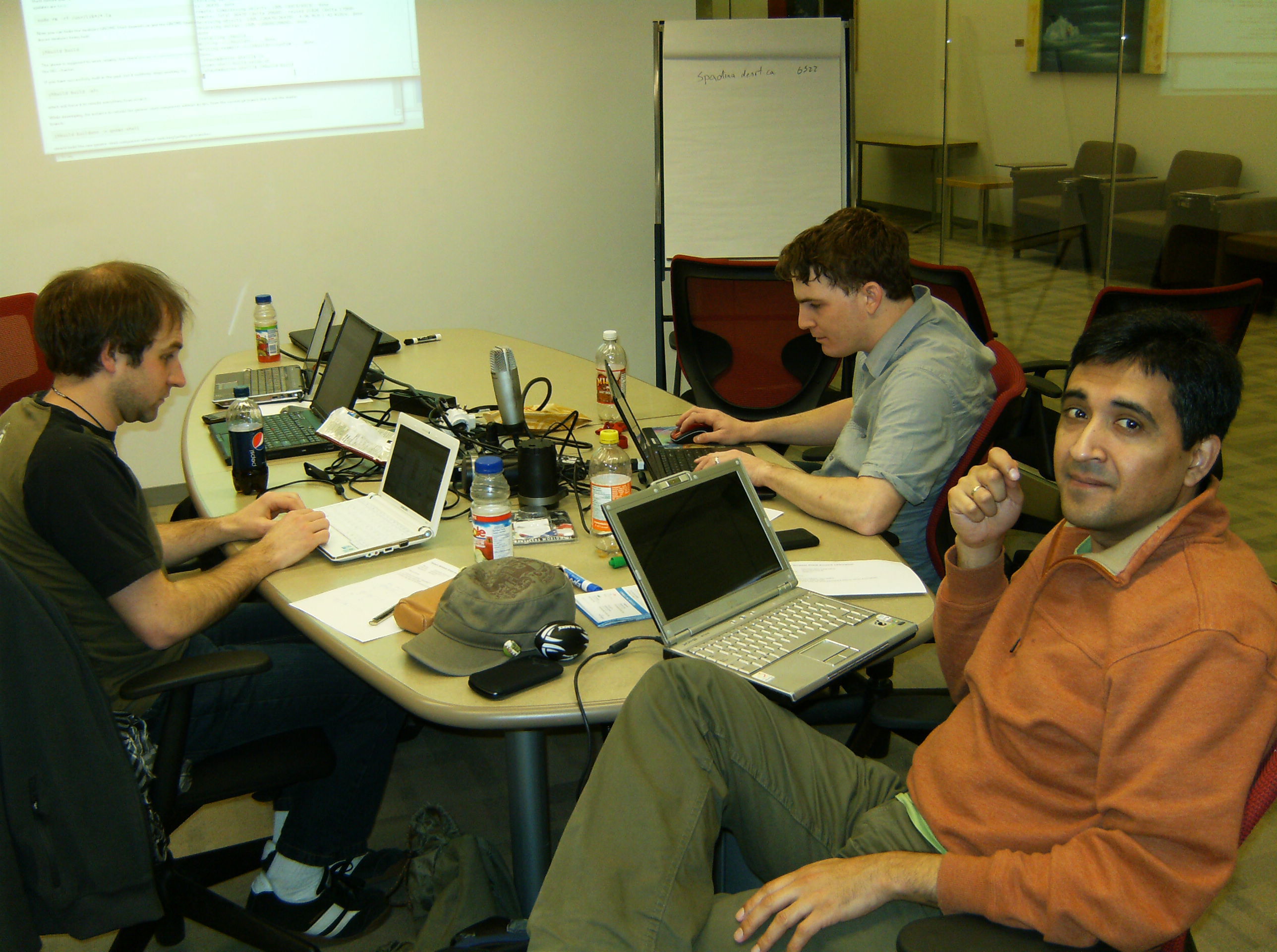
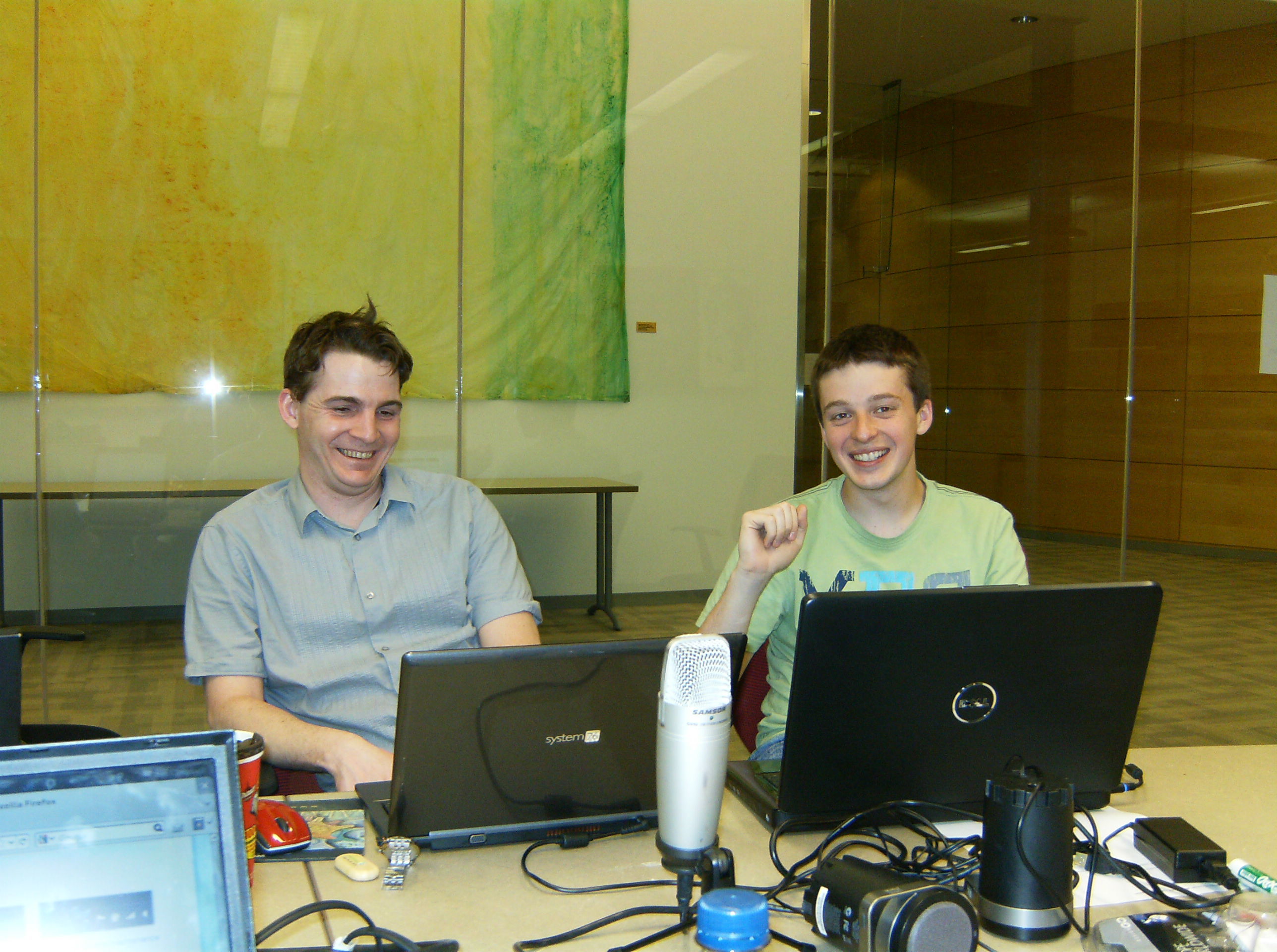
Thanks to the Gnome Foundation for sponsoring my hotel stay, to Syllogist.net for the muffins in the morning, and to Seneca College Centre for Development of Open Technology for providing the space.
RelaxNG, Entities, and Namespaces
Published on 2010-12-19I ran into a couple of roadblocks in trying to use entities with Mallard recently, and thought I would share how I worked around them in case anyone else needed to do the same thing. Although my examples deal with Mallard, what I note here will also work for entities in DocBook 5 documents, or any other RelaxNG-based XML documents.
Entities?
Before I start, though, if anyone is wondering what I'm talking about when I
say, "entities," they are a handy variable-like feature of XML and a couple of
other markup languages. For example, they allow you to type something like
&exaile; into your document, and then have it magically parsed as:
The final, rendered result would be a familiar GUI click-path like, "Click Applications > Multimedia > Exaile." While entities have their limitations and
are not ideal for all use-cases, they serve a purpose. This web
page gives a good
overview of entities and how to use them.
Using Entities in Mallard / RelaxNG documents
To set up and use entities in your XML-based document, you basically need three things. You need a file that contains the entities you want to use*, you need to declare where those entities are tracked, and you need to actually use the entities in your document.
The Entities File
Previously, step one was very easy. You would just create a file that contained values like this:
However a somewhat recent change in libxml** prevents these entities from being parsed as they used to be, making things slightly more involved. (If you've been bitten by this bug, libxml will throw up a, "Namespace default prefix was not found" error message.) To resolve this, you need to include the relevant XML namespace in the entity. For Mallard-based documents, the resulting changes look like this:
Out of the Woods
Once you make it past step one, the rest is a walk in the park.
Step two is to declare your entities in the start of your documentation files. I modified a DocBook 5 example to come up with this:
Wrapping Things Up
Step three, using your entities in your documents, is no different than what
you would have done with DocBook 4 or any other XML-based syntax. For example,
typing &abiword; will be parsed as:
and will cause "Application > Office > Abiword," to magically appear in your
rendered documentation.
If you have any questions, corrections, or suggestions (as I'm sure you're all keen to be chatting about XML entities), feel free to leave me a note in the comments.
* I'm using external entities, which requires a separate file, but you can also use named or charater entities.
** Apparently the namespace of the parent node is no longer inherited by the entities, so you need to declare the namespace in the entity itself.
Duck, Duck, Gnu: Mallard and DocBook 5 support in Emacs
Published on 2010-08-29Edit: I recommend checking out Paul Frields' post about Emacs and nXML mode, and also looking at the Fedora wiki page that he created. I think his approach is a bit simpler and cleaner than what I've provided below. Feel free to peruse what I've written, though, as some of my links to "getting started" references should still be helpful.
I've been doing some documentation work with Mallard and DocBook 5 recently, and have been looking for software that supports them well. The trick is that both Mallard and DocBook 5 are based on RelaxNG schemas, and while there are many XML tools out there, there are few that are open source, and fewer still that support RelaxNG.
After perusing my options, I decided to try Emacs with nXML-mode. Emacs' nXML-mode provides real-time validation for RelaxNG-based documents, something which no other open source authoring tool provides. But while nXML-mode can validate XML documents on-the-fly, the default installation is not set up to validate against the recently-developed Mallard and DocBook 5 schemas.
Thus, to take full advantage of the latest in duck-[based](http://www.docbook.org/tdg5/en/htm l/docbook.html) documentation technologies, I needed to modify my .emacs file and the nxml-mode files themselves. What follows is an overview of exactly what I did in the hopes that others can make use of the same changes, too.
An nXML-mode foundation
Before we get started, though, you should know that much of what follows is derived from information on this website. I encourage you to visit the site, as it provides an introduction to how nXML-mode is configured, and enough of an introduction to using nXML-mode to make you at least modestly productive right away.
Part One: Setting up your .emacs file
The first step in setting up nXML-mode for Mallard and DocBook 5 is to make a few changes to your .emacs file. If you are new to Emacs, your .emacs file sits in your home directory, and serves as a personalized Emacs configuration file. You may need to create the .emacs file if it doesn't already exist.
The above .emacs configuration tells Emacs where to look for detailed XML processing instructions, and also causes Emacs to automatically use nXML-mode for XML-related files. (Did I tell you that Emacs might have a bit of a learning curve? Yeah, that's true.)
Part Two: Modifying the nXML-mode configuration files
The second step is to modify the nXML-mode configuration files themselves. This will add the appropriate nXML-mode secret sauce to handle Mallard and DocBook 5 documents.
Fortunately for you, I grabbed the latest nXML-mode source files from the nXML-mode website, and made the appropriate modifications myself. You can download my customized nXML-mode files from this archive.
Here's what I changed from the default setup:
- I added the docbookxi.rnc and mallard-1.0.rnc schemas to the schemas directory
- I modified the schemas.xml file, thus including the docbookxi.rnc and mallard-1.0.rnc schemas as part of the XML-validation process.
Note that I have used the DocBook 5 "docbookxi.rnc" schema which allows for xinclude functionality. If you want to use the schema that does not allow for use of xinclude features, you'll need to adjust the files accordingly. The current DocBook 5 schemas are available here.
Part Three: Copy your nXML-mode files to the proper location
The final step is to copy the nXML-mode files to the proper location on your file system. As indicated in our .emacs file, that location is: /usr/share/emacs/site-lisp/nxml/. Thus, you should copy all of the files in the downloaded "nxml" folder into that directory. You will need administrative privileges (using root or sudo) to do this.
Wrapping up
That's it, though. You should now have a functioning nXML-mode environment that will allow you to fire-up Emacs and start writing Relax-NG-based documents, getting all of the real-time-validation features that Emacs provides. If you can think of any ways in which I could improve my approach, please let me know. Otherwise, I encourage you to head-on over to the nXML-mode website, and view some of the nXML-mode information and resources that are available as you get started.
Updating the Ubuntu Packaging Guide
Published on 2010-07-13We’d like to get your input on where to focus documentation efforts on the Ubuntu Packaging Guide. There are all kinds of topics that need to be written, updated, or improved — so where should we start? What do you need most?
Give your input via the this Google Docs Survey. I’ve provided some direction by asking you to focus on tasks, concepts, and terminology that can be best documented in the Packaging Guide, but you'll no doubt have other ideas.
If you’re interested in writing on a particular topic, please be sure to note that in the survey comments (and include your name and email address!). I'll be sure to ping you once we get the new guide outlined and stubbed out.
Also, if you have any suggestions for the packaging guide that aren't encompassed in the survey, please feel free to leave a comment here.
Thanks!
P.S. Oh, and wouldn't you know that the Mozilla documentation team is updating their Mozilla Developer Network documentation, too? Janet Swisher from their docs team published a note seeking developer input on how their docs can be improved. She publishes her blog content under a CC by SA 3.0 license, so I've "borrowed" some of her phrasing. Hi, Janet!
Writing a Good Tweet at a Conference
Published on 2009-11-15The next Ubuntu Developer Summit will be starting up tomorrow, and although not everyone can attend the event, there are a number of ways to participate remotely.
Among other things, I like to follow the 'dents (from Identi.ca) and tweets (from Twitter) from the event. Typically, people will use Identi.ca and Twitter to share snippets about some particular topic that has come up during the conference, but I've found that some notices can be more helpful than others.
For example, here's a fictitious example of what I think is an unhelpful dent/tweet: "I'm going to attend the virtualization session! #UDS"
I saw a lot notices like this posted during the last developer summit. Notices like these show that you're excited (cool), and they can also help other attendees to know your location at the conference (pretty cool), but they don't actually tell us much of anything (not very cool). I know that sometimes you just can't help it . . . you're at this great event, and just want to share a bit of what is going on with the outside world. I'm sure that this is not a big deal in the grandiose scheme of things.
With that, though, let's take a look at some more interesting ways to make use of these social networking tools.
- Seek feedback from conference participants: "Experimenting with blip.tv for UDS videos: http://is.gd/1Fv5g_ what do you guys think?" Notices like these can be used both during and after an event.
- Shareinformation about a social event that will be going on after conference hours: "I've created a sign up page for Monday night @ the firing range. Everyone welcome
- Let others know about room or schedule changes: "Due to overflow crowds, remaining Xubuntu sessions have been moved to Big Texas Conference Hall B. #UDS" (Ok, I made up that dent. I can dream, though, can't I?)
- Inform others (okay . . . complain) about conditions at the conference:
"Hmmm, my laptop kept me nice and warm during the pleniary sessions, but it's
still cold in the rooms. Anyone want to max my CPU?
" After all, the conference organizers pay good money to an event site to host their event there, so rooms should be comfortable for attendees.
- Share technical information from a session (aka "live-tweeting" a session): "#uds package-branches is the tag used for bugs (in #launchpad) related to source package branches." Notices like these may not make sense to everyone, but they will likely make sense to those interested in the topic.
- Presenters can use identi.ca or twitter as a presentation tool, too. For example, Tom Johnson recently noted that presenters canpose questions to their audience, and let the audience [respond via Twitter](http://www.idratherbewriting.com/2009/11/15/using-twitter-in-your-prese ntation/). This can provide for real-time feedback to the presenter about a particular topic, and can help to break down some of the barriers between the audience and the presenter.
Of course, I expect that people will use microblogging for fun, too. I wouldn't want for people to feel uptight about their tweets. I just wanted to share a couple of thoughts for how people can better use microblogging at a conference, thus making things more enjoyable for those in attendance, and for those who are participating remotely. If you have any other suggestions, feel free to share them in the comments.
Ubuntu Chicago and the Global Bug Jam
Published on 2009-01-27Per Daniel Holbach's recent blog post about the Global Bug Jam, I thought I'd add my two cents (or give you a penny for my thoughts, and donate the additional penny to charity) about what the Ubuntu-Chicago Local Community Team is planning for the Global Bug Jam.
There are still quite a few details for us to iron out, but we have the basics in place, and are gearing up for the event. What have we done so far? First, we've been able to secure a great location, the headquarters of Centro - an online media services company in downtown Chicago - for the event. Centro uses a lot of FLOSS tools in their development, and they've been a consistent supporter of FLOSS events in the Chicagoland area for a number of years, so we're really grateful to them for allowing us to use their space. (As a side note, one of their developers who helped to secure the location for the event is also the creator of "Open Sprints," an GPL'ed indoor bike-racing application that has garnered a lot of enthusiasm amongst the bike messenger crowd in the U.S.)
Ok, so we have a location. We also have people who are going to attend. Those people have (for the most part) been prepped on what we'll be doing. We held an introductory session as part of a Chicago GNU/Linux User Group meeting a few weeks ago, where we were able to set people up with Launchpad accounts, PGP keys, SSH keys, and the 5-a-day application. For those who weren't able to attend the meeting, I'm sure we'll be able to set them up online in advance of the event, or when they arrive for the bug jam.
Also, I mentioned it briefly above ("We also have people who are going to attend…"), but we are expanding the ranks of our loco team for this event. Ubuntu-Chicago had been relatively quiet for a while, but we're doing what we can to involve people outside of regular X/K/Ubuntu users and developers in the bug jam. One of the better things to see in this process is how members of the Chicago GNU/Linux User Group are joining in, and how we're also getting involvement of people who develop for FLOSS projects, but who aren't typically involved in local Ubuntu events. (They don't even have to use Ubuntu . . .). For example, I have heard of one Miro developer plans to attend portions of the bug jam, we hope to get some folks from Banshee and GNOME . . . and I've even heard that the entire Tildadevelopment team (ok . . . so it's just one person) may be involved, too.
Personally, I'm going to do my best to advocate testing and bug triage of Xfce 4.6 during the event. I'm also excited that there will be a Lou Malnati's Pizzeria DIRECTLY ACROSS FROM OUR BUG JAM LOCATION. OH HAI, UBUNTU-CHICAGO CAN HAS TEH BEST PIZZA.
So, yeah, if you're a X/K/Ubuntu user or FLOSS-coder who lives in / around Chicago . . . even if you're not an expert . . . Check out our wiki page (with the new NavBanner that I ganked from the Massachusetts team), join our mailing list, and make plans to see us the weekend of February 20th. :)
Obamapalooza and Change.gov
Published on 2008-11-06Like quite a few others, I was able to attend the "Obamapalooza*," election night event in Grant Park this past Tuesday. I was lucky enough to get a ticket to the event, and being part of that moment has made me very happy over the past few days. I'm including a few photos and notations from within the cut, but my real reason for writing this entry concerns Barack Obama's science, technology, and innovation agenda. This seems to be a very ambitious and tech-friendly agenda, and one in which open-source and free-software advocates should be eager to participate.
I had a long day at work today, and I haven't had much time to review the agenda yet, but I am interested in hearing what other individuals have to say about it, and if any Loco teams would be interested in working to address some of the topics together. Pushing some of our ideas "upstream," seems like a very worthwhile endeavor.
Ok, here are the pictures.
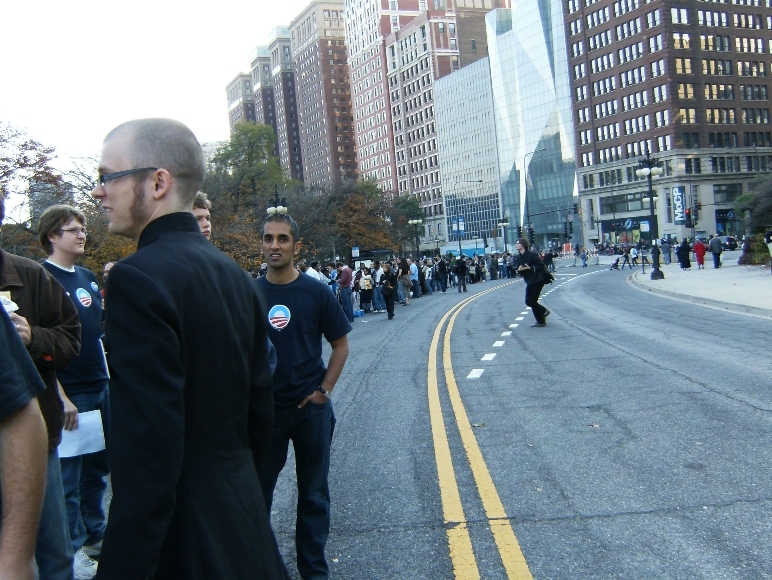
People waiting in line to enter Obamapalooza
Here's some folks waiting on the streets of downtown Chicago to enter the rally. A friend said that "the one," was going to vote for, "that one." I'll let you figure out what he meant by that.
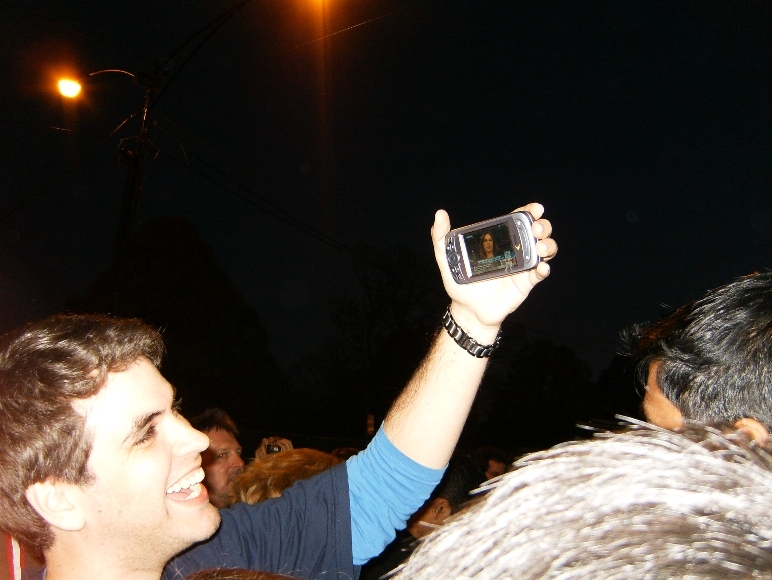
While waiting in line we kept up on election happenings via cellphone television. Though it isn't present in this picture, I saw my first Tmobile G1 that night.
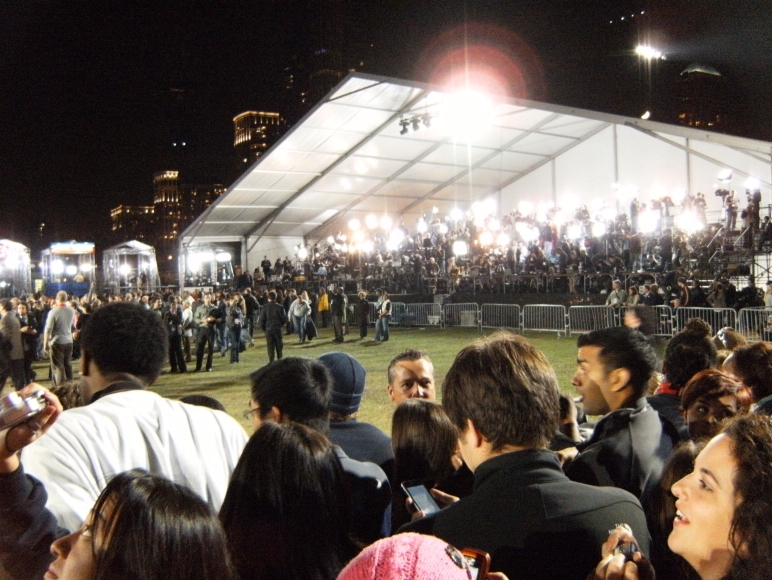
Elite media tent
Here's a photo of the big tent full of the international liberal media elite. :( Quite a lot of light there, eh?

Here's a nice shot of the crowd with the skyline in the background.
Sadly, I don't have a great camera, and there was a lot of jostling about during Obama's speech . . . but you can see that he's there!
Here's a photo of my friend and I after the rally. Of course, with so many people around, it wasn't likely that we would be able to take a photo without someone walking in front of us, but it was ok. :]
* I think they called it Obamapalooza in part because it was a celebration, but also because the event took place in the same location as where they've held the Lollapalooza concerts for the past couple years.
Free Geek Chicago, putting Xubuntu to work
Published on 2007-03-21I went to the organizational meeting for Free Geek Chicago last Wednesday night, and got pretty inspired about what the group doing.
Free Geek Chicago is kind of like Habitat for Humanity, but for computers. Basically, people can work at the facility for 20 hours (over several weeks), and then earn a free computer. People can also buy computers from us, but for the most part it is kind of like a work-study program because your 20 hours of volunteering is spent learning about computers. You learn how to do an initial test of a computer, take a computer apart, test the individual components, put the computer back together, install an OS, and then do a final test of everything to make sure it works. We also test all RAM, and use a drive-wiping program to remove all data from the hard drives that people have donated.
Because we're working with computers that have been donated by people, the computers are usually at least a few years old, and aren't exactly super powerful. Still, we usually get decent PII's and PIII's, which certainly have enough horsepower to do most day-to-day tasks. Our distro of choice is currently Xubuntu, so it's nice to see Xubuntu being used to benefit others.
If anyone in the Chicago area has a computer that they'd like to donate, or would like to volunteer at Free Geek Chicago, please visit the Free Geek website via the link above. We'd be glad to have your help and support.
Linux on the desktop (from the start)
Published on 2007-03-19In regards to Dell's explorations/websites/surveys regarding Linux on the desktop... I think it's good they're asking, but I don't expect something soon. And if it happens, I don't think that we'll see any discount on computers because of them having Linux on the desktop. And I don't expect any support from Dell (or anyone else) if they (or another major PC builder) puts Linux on the desktop.
For me, the cost item isn't a big issue because you can already get a computer for $500-$600 that is plenty powerful to do anything you need (except for maybe gaming). And the lack of Dell (or whatever company) support isn't a big deal to me because we all know how to get on IRC or go to a forum for our support. :) That's where the best support comes from, anyway.
To me, the issues are hardware compatibility, having a free-as-in-freedom OS, and getting another option other than Microsoft, and I would actually be willing to pay a bit more for those things. Maybe $50 more for a $600 computer. After all, if I spend two hours trying to set up a wifi connection because the wifi hardware isn't totally compatible, isn't that worth at least $20? If I have to do some tricky work to get suspend / resume working, isn't that worth another $20-$25? And being able to completely wipe my drive and take off Novell's Suse Linux because I want to put on Xubuntu, but still have everything work . . . Isn't that worth a few more bucks?
If it takes a few more dollars to make Linux on the desktop financially viable for the hardware vendors, then I'd be willing to pay it.
Getting involved with Xubuntu-docs
Published on 2007-02-01Even though my schedule has been pretty hectic lately, I've decided that I'm going to try and contribute to the Xubuntu documentation project. Why Xubuntu? Well, for one, I use it. Xubuntu Edgy is presently on my Thinkpad t22, and it's worked great for me. Also, Xubuntu probably receives less contribution from the community than Ubuntu or Kubuntu. I don't even think that Xubuntu had separate documentation for Xubuntu Edgy - when you first started FireFox in Xubuntu Edgy, it said, "Welcome to Xubuntu 6.06!" The project could use some help, I think.
I've hung out a bit on #ubuntu-doc, and am on the ubuntu-doc mailing list. I figure that I'm going to get a start by proofreading. Someone on #ubuntu-doc said that would be a great way to go, especially considering that I'm not a technical expert. I do have a decent way with words, though. Wicked grammar skiillz. So, look for some bug reports from j1mc on the Xubuntu-doc bug report page. I'll be getting some up there soon.
<